> ## Documentation Index
> Fetch the complete documentation index at: https://ezvals.com/llms.txt
> Use this file to discover all available pages before exploring further.
# EZVals
> The evals framework your coding agent wants

 EZVals is an evaluation framework for testing LLMs and Agents
What makes EZVals special is that its built to be used by your coding agent. Your agent writes evals, runs them, analyzes results, and iterates while you monitor the situation from the Dashboard.
Full CLI that mirrors every UI action. Built-in [skill](/guides/agent-skill) gives your agent eval-specific guidance.
[Compare runs](/guides/web-ui), annotate, and export from a local web UI.
Quick smoke tests or deep multi-model comparisons. [Pytest-style assertions](/core-concepts/scoring), clean code.
Code, data, and results live in your repo. No external platforms or auth.
## Get Started
Install the EZVals skill for your coding agent:
```bash theme={null}
npx skills add camronh/evals-skill
```
Then prompt your agent:
```text Compare theme={null}
Compare Opus 4.6 vs GPT-5.3 on answer correctness. Show me the comparison.
```
```text Evaluate theme={null}
Help me evaluate hallucinations in my RAG agent @agent.py
```
```text Error Analysis theme={null}
Run error analysis on the last eval run @.ezvals/sessions/rag-tests/baseline_a1b2c3d4.json
```
The agent writes the evals, runs them, and reports back with results. For the comparison example, that looks something like:
```markdown theme={null}
I ran both models against your 50-question correctness dataset.
| Model | Correctness | Avg Latency |
|----------|-------------|-------------|
| Opus 4.6 | 94% | 1.2s |
| GPT-5.3 | 87% | 0.8s |
Opus scores 7% higher on correctness but is ~50% slower.
Full comparison: http://127.0.0.1:8000/?compare_run_id=a1b2...&compare_run_id=c3d4...
```
EZVals is an evaluation framework for testing LLMs and Agents
What makes EZVals special is that its built to be used by your coding agent. Your agent writes evals, runs them, analyzes results, and iterates while you monitor the situation from the Dashboard.
Full CLI that mirrors every UI action. Built-in [skill](/guides/agent-skill) gives your agent eval-specific guidance.
[Compare runs](/guides/web-ui), annotate, and export from a local web UI.
Quick smoke tests or deep multi-model comparisons. [Pytest-style assertions](/core-concepts/scoring), clean code.
Code, data, and results live in your repo. No external platforms or auth.
## Get Started
Install the EZVals skill for your coding agent:
```bash theme={null}
npx skills add camronh/evals-skill
```
Then prompt your agent:
```text Compare theme={null}
Compare Opus 4.6 vs GPT-5.3 on answer correctness. Show me the comparison.
```
```text Evaluate theme={null}
Help me evaluate hallucinations in my RAG agent @agent.py
```
```text Error Analysis theme={null}
Run error analysis on the last eval run @.ezvals/sessions/rag-tests/baseline_a1b2c3d4.json
```
The agent writes the evals, runs them, and reports back with results. For the comparison example, that looks something like:
```markdown theme={null}
I ran both models against your 50-question correctness dataset.
| Model | Correctness | Avg Latency |
|----------|-------------|-------------|
| Opus 4.6 | 94% | 1.2s |
| GPT-5.3 | 87% | 0.8s |
Opus scores 7% higher on correctness but is ~50% slower.
Full comparison: http://127.0.0.1:8000/?compare_run_id=a1b2...&compare_run_id=c3d4...
```
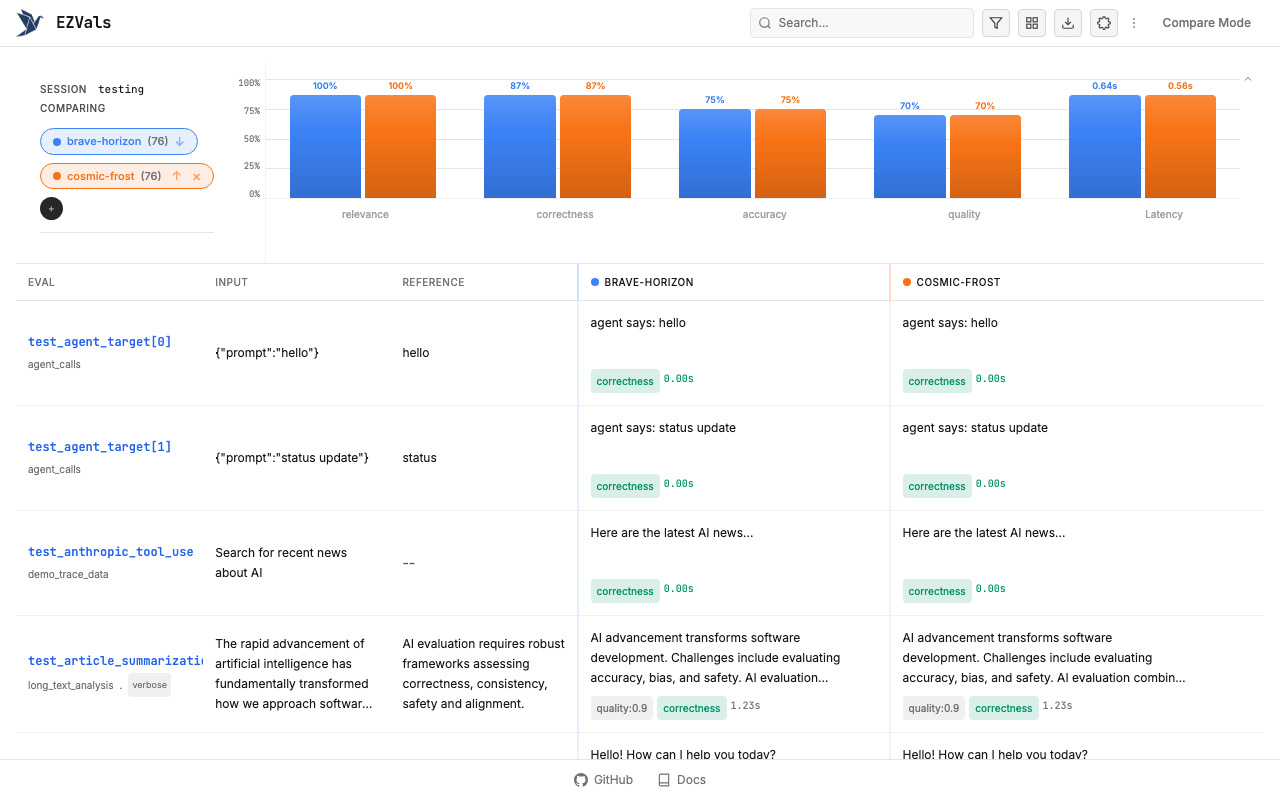
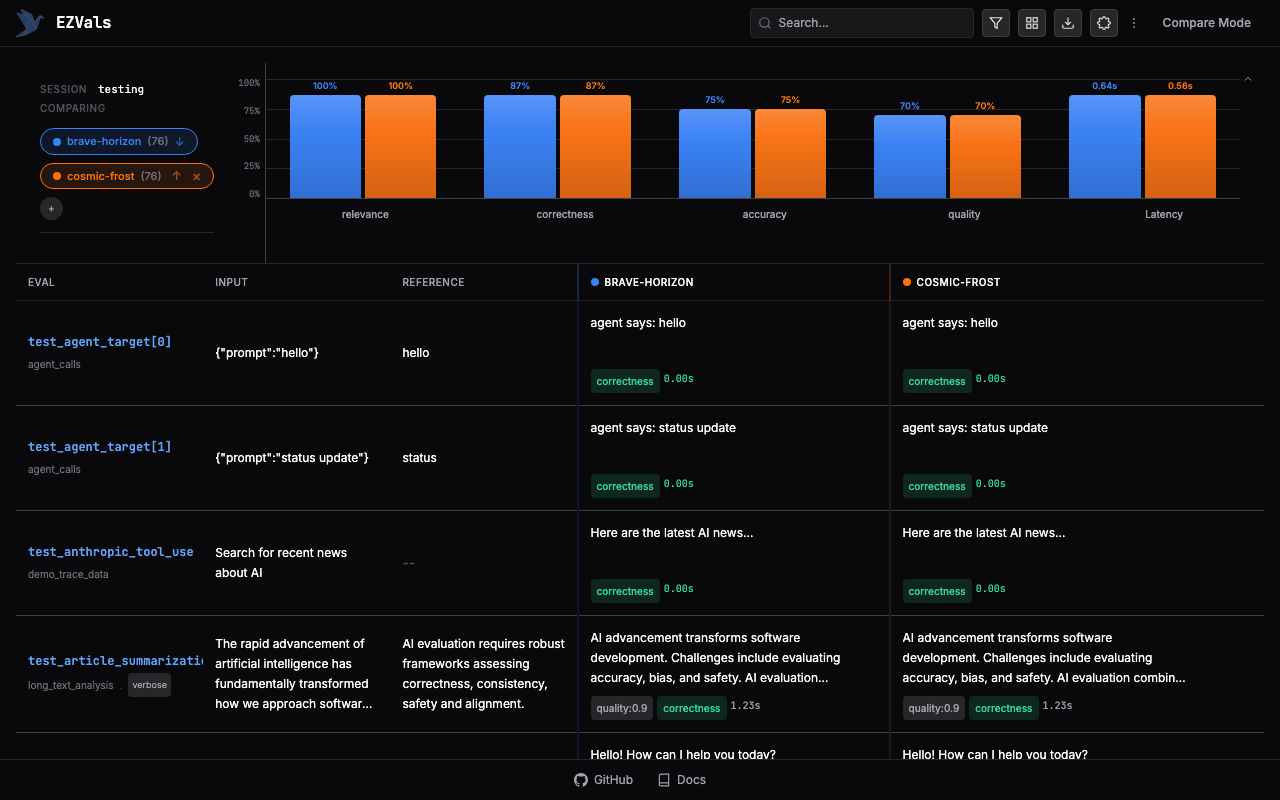 Results can be exported as JSON, CSV, Markdown, or PNG from the dashboard or CLI.
Install the library directly, configure your project, and learn how EZVals works under the hood.
Results can be exported as JSON, CSV, Markdown, or PNG from the dashboard or CLI.
Install the library directly, configure your project, and learn how EZVals works under the hood.